AIツール徹底比較

このページでは、非IT職のビジネスパーソンが「どの生成AIを選べばいいか」をすぐに判断できるように、主要ツールの特徴を一目でわかる形で整理しています。単なるスペック表ではなく、実務での使い勝手や社内ルールへの適合性など、導入前に押さえておきたいポイントをまとめています。
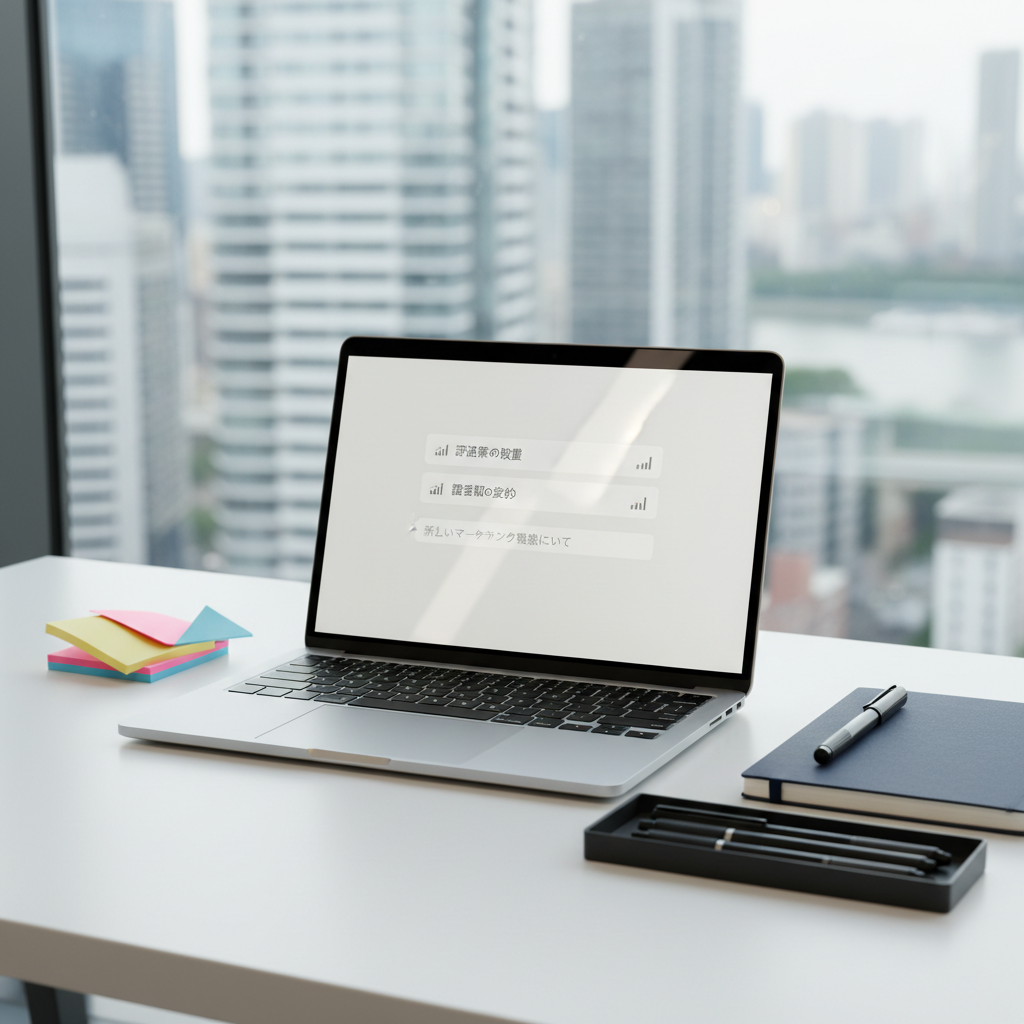
A sleek silver laptop with a Japanese-language AI chat window open, displaying neatly formatted bullet-point suggestions and a subtle graph icon, sits on a clean white office desk. Around it, color-coded sticky notes, a closed navy-blue notebook, and a neatly arranged black pen tray create an orderly workspace. Outside a large window, an urban skyline is softly blurred. Late-morning natural light flows in, creating gentle reflections on the laptop’s brushed metal surface and faint shadows under accessories. Photographic realism, shot at eye level with a slight angle, using shallow depth of field to keep the screen razor sharp while the background falls into a professional, calm bokeh. The mood is focused, efficient, and modern, perfectly capturing non-IT office work enhanced by generative AI.
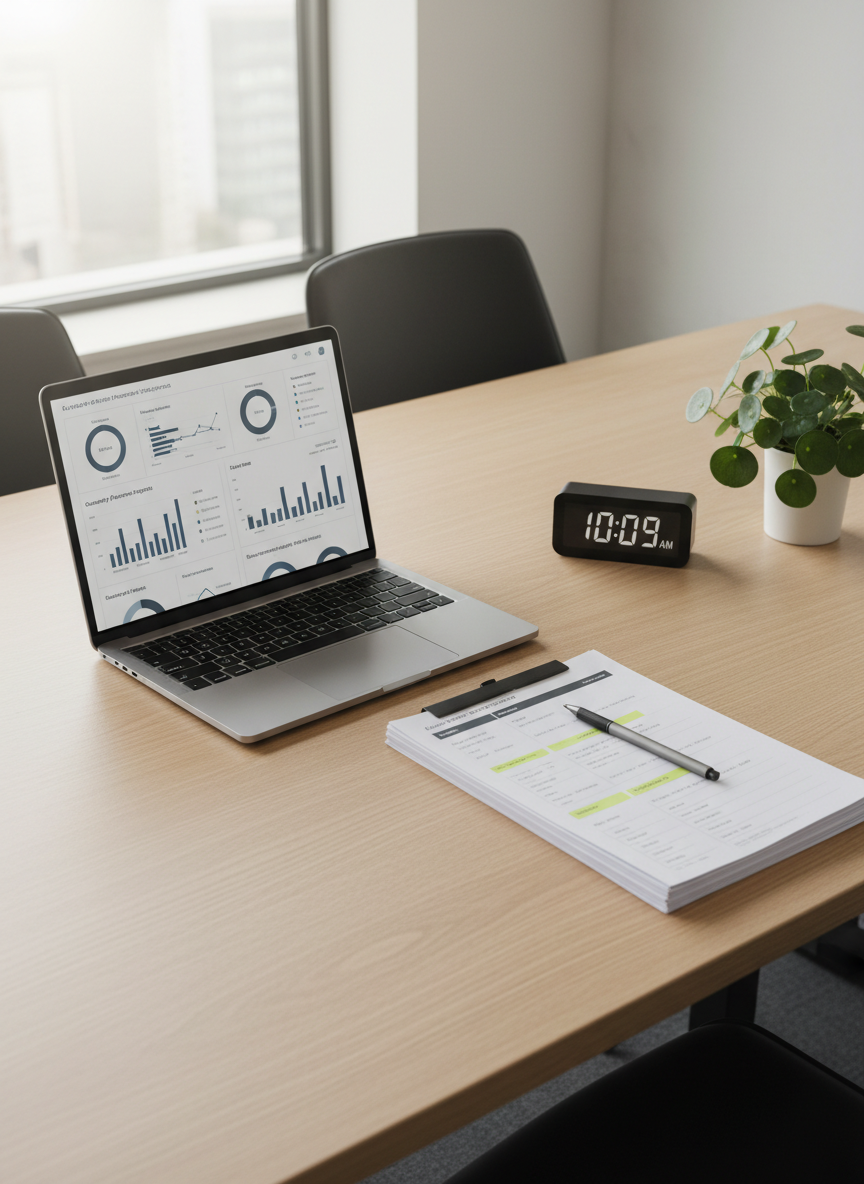
A tidy Japanese-style corporate meeting table made of light oak holds an open laptop showing a dashboard of automated AI-generated reports in muted blues and grays. Beside it, printed documents with highlighted sections and a slim graphite mechanical pencil are aligned with precision. A minimalist digital clock and a small green indoor plant sit at the edge of the frame. Soft, diffused overhead office lighting and gentle window light combine to eliminate harsh shadows, creating a clean, balanced illumination. Photographic realism, shot from a slightly elevated perspective, following the rule of thirds so the laptop screen anchors the composition. The atmosphere is methodical and trustworthy, evoking the feeling of a non-IT professional using generative AI to streamline routine reporting tasks.

AIツール比較

非IT職の現場で使いやすい生成AIツールを、「価格」「日本語精度」「セキュリティ」「導入しやすさ」「社内展開のしやすさ」といった軸でわかりやすく比較します。ITに詳しくなくても、自分の業務に合うツールを選べるよう、具体的な利用シーンや注意点もあわせて解説します。